Law firms hold exactly the kind of data attackers and mistakes love: personal details, financials, and privileged case information. In Salesforce, protecting it is not about one setting — it is about a thoughtful permission model that gives each person access to what they need, and nothing more.
The layers that matter
- Profiles & permission sets — what each role can do.
- Record sharing — who can see which matters and clients.
- Field-level security — hiding sensitive fields from those who do not need them.
- Login & access controls — strong authentication and session rules.
Least privilege, by design
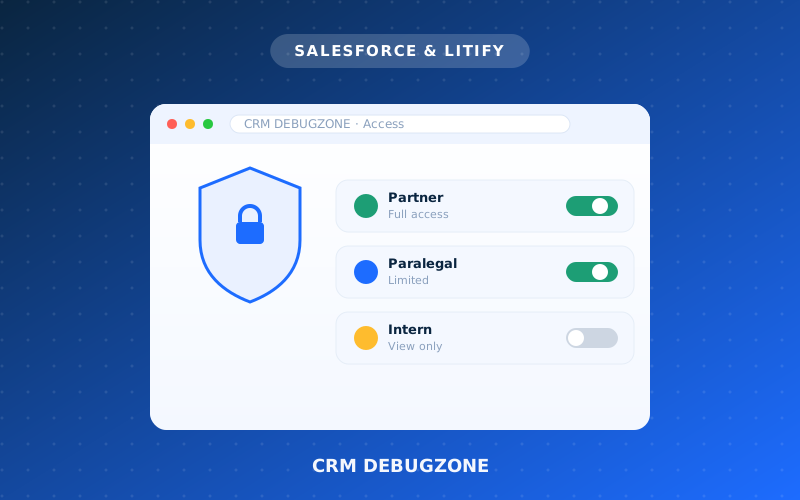
The safest orgs follow a simple principle: give people the minimum access their job requires. An intern should not see partner financials; a paralegal should not export the entire client list. Done right, this protects clients without getting in anyone's way.
Security is also compliance
For firms with ethical and regulatory obligations, access control is not optional — it is part of protecting client confidentiality. Regular access reviews and monitoring keep you both safe and defensible.
Not sure who can see what in your org? We'll review and lock down your Salesforce security properly.
How we'd do this for your firm
A proven, transparent process — no guesswork, no surprises.
Review
We audit who can see and do what today.
Model
Design roles and permissions around real jobs.
Lock down
Least-privilege access, field by field.
Audit
Ongoing monitoring and access reviews.
Want this for your firm?
Get a free, transparent estimate in minutes — or talk to a specialist.