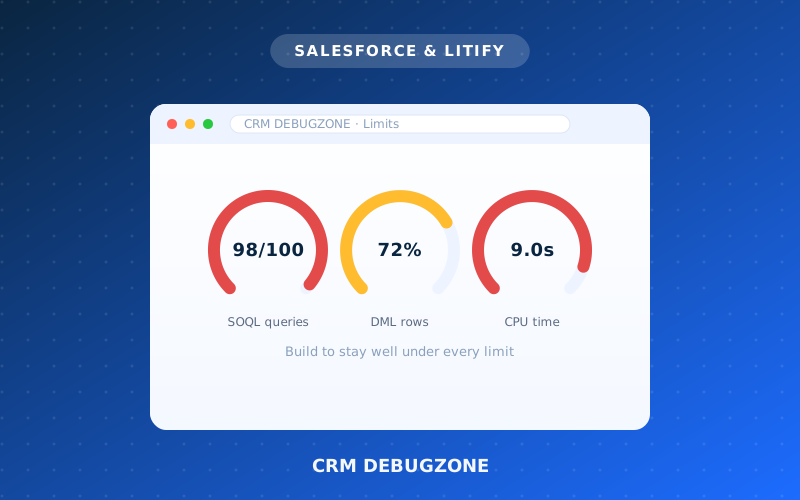
Salesforce runs thousands of companies on shared infrastructure, so it enforces governor limits — hard caps on how much a single process can do at once. Hit one and your automation simply stops with an error. For firms running lots of automation, understanding these limits is the difference between a smooth org and mysterious failures.
The limits you'll meet most
- 100 database queries (SOQL) per transaction.
- 150 data operations (DML) per transaction.
- A CPU-time cap per transaction.
- Limits on how many rows and how much data you touch at once.
Why firms hit them
The usual culprit is automation that works fine for one record but breaks when many are processed at once — for example, a query or update running inside a loop, or several overlapping flows firing on the same object.
How to build so you never hit them
The fixes are well established: handle records in bulk, keep queries and updates out of loops, consolidate overlapping automation, and move heavy work to asynchronous processing. Done right, your org scales without surprises.
Seeing limit errors? We'll find the cause and rebuild your automation to run cleanly at scale.
How we'd do this for your firm
A proven, transparent process — no guesswork, no surprises.
Understand
We map where your org runs close to its limits.
Bulkify
Rebuild automation to handle records in bulk.
Optimize
Remove queries and updates from inside loops.
Test
Load-test so nothing fails at scale.
Want this for your firm?
Get a free, transparent estimate in minutes — or talk to a specialist.